 020 7898 0500
Microsoft Excel is a popular and widely understood tool, but it can be a major risk for corporate treasury.
Last updated: 17 March 2026
Using Microsoft Excel to manage corporate treasury is a major operational risk that can lead to strained cashflow and ultimately weigh on your profits. Despite this fact, thousands of businesses up and down the country rely on this somewhat antiquated, manual process to manage everything from currency risk to cashflow.
In the high-stakes environment of corporate finance, that level of risk should be unacceptable to CFOs, CEOs and executive board members. Carefully crafted strategies can be destroyed in a second if something goes wrong with even a single cell or a key member of staff takes an untimely holiday. Businesses need a better solution to insulate their profits and cashflow in the event of market volatility.
Why relying on spreadsheets is a risky strategy
Generic software applications like Microsoft Excel revolutionised almost every corner of corporate finance when they were introduced. These powerful, widely accessible professional tools levelled the playing field and helped to make reporting a mainstay across a wide variety of roles.
Fast forward to the present day and things are a little different. Businesses are now intimately familiar with all Excel can do and all it can’t do. Unfortunately, the list of its limitations now greatly outweighs the list of its benefits.
The Association of Corporate Treasurers highlights four key risks when forecasting cashflow solely through spreadsheets: Time, expense, errors and security. It’s worth us breaking down each of those separately.
Why Excel wastes your time
While Microsoft Excel might be strong at totting up your household bills or making a quick chart from a dataset, there is no escaping the fact it simply isn’t built for modern corporate requirements. With currency volatility increasing day by day, finance teams are finding themselves wasting hours entering, validating and presenting the data.
Part of the problem is that Excel is built to be used across industries. It has few purpose built features that make it suited for treasury, which means finance teams have to adapt their processes to suit the technology, rather than vice versa.
How Excel ends up costing more
Because most corporate treasury requirements are transactional, it’s very easy to find yourself manually entering every invoice and bill into Excel. Committing staff hours to something that could quite easily be done in a matter of minutes will naturally end up costing the business.
The most frequent justification for not using a dedicated solution is the cost, as well as any initial operational disruption it could cause upon implementation. In truth, most decent treasury platforms are far cheaper to implement than you might think. They are often designed to minimise disruption, meaning the barrier to achieving your treasury goals has never been lower.
Why Excel leads to errors
Anyone who has used an Excel sheet can tell you just how easy it is to make a mistake. Equally, frequent users will be familiar with how large quantities of data can be checked and approved despite containing formula or input errors.
We often find that businesses rely on a single person to manage core Excel documents. That might work for most of the year, but what happens when that person goes on holiday, maternity or paternity leave, or takes a leave of absence? If you couldn’t answer that question, you are exposed to ‘key person risk’.
When that key person is absent, a couple of things could happen. The reporting requirements might be kicked into long grass, to be revisited upon the key person’s return. Or, another person might be drafted in to complete the process. Whichever solution the business chooses, there is an elevated risk of something going wrong.
How Excel can compromise your security
Widely used software packages are easy prey to a new generation of cyber criminals. With lax security controls (worsened by organisations rarely using safety mechanisms like password protections), the risk of fraud and attacks on data has never been higher.
Excel is also extremely limited when it comes to internal financial security, particularly generating forecasts. Most treasury systems are capable of interpreting your existing exposures and generating detailed forecasts that include multiple exchange rate scenarios. This is the kind of specialised data that Excel struggles to generate. Instead, any scenario analysis you might be able to do will typically be in drab, confusing spreadsheets, which are hard to explain and justify at board level.
Read our full comparison of manual spreadsheets versus modern treasury management systems (TMS) to see how this might be affecting your business in a broader sense.
Use SmartHedge PRO, not Excel
For all these reasons, a dedicated, professional treasury management system is an increasingly vital resource for UK corporates.
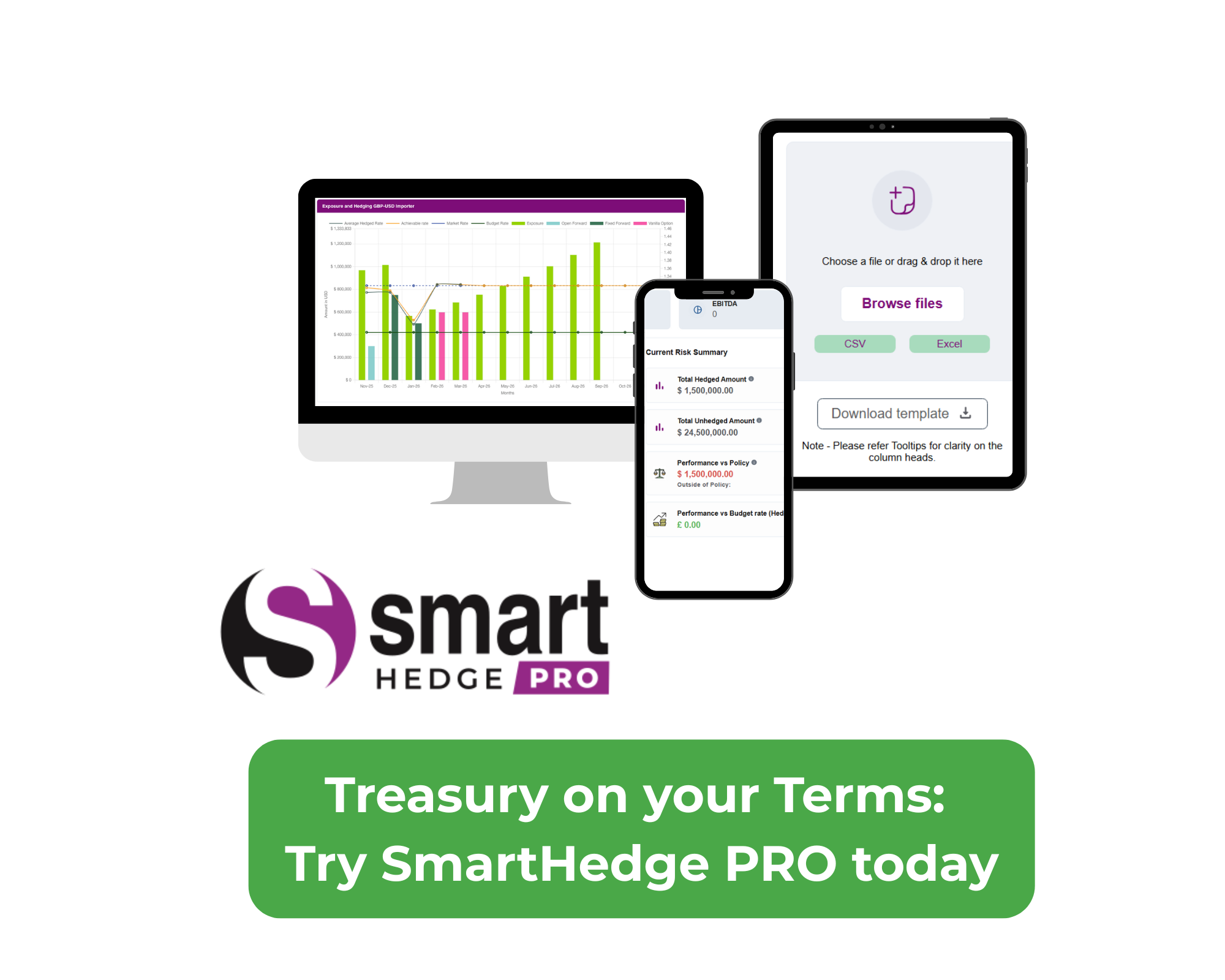
SmartHedge PRO is our solution to the problems laid out in this article. Designed in consultation with our clients, SmartHedge PRO provides detailed reporting templates that can be scheduled and shared with members of your team. By consolidating all your exposures into easily understood dashboards, SmartHedge PRO provides cashflow clarity without unnecessary risk, cost or time.
Watch our interactive demo to explore how these custom-built solutions can save your business time, reduce risk and slash the amount of time you spend in Microsoft Excel.
Frequently Asked Questions
What is ‘key person risk’ in treasury management?
Key person risk occurs when a business relies on a single individual to manage critical, manual Excel documents for cashflow and currency tracking. If that person is absent due to holiday, leave, or resignation, the business faces significant danger because no one else can easily unpick or validate the complex formulas, leading to reporting delays or catastrophic financial errors.
Why is Excel considered a security risk for corporate data?
Unlike dedicated treasury platforms, generic software like Excel often lacks robust security controls and audit trails. This makes spreadsheets easy prey for cyber criminals and prone to internal fraud, as version integrity is hard to maintain when multiple team members edit the same shared document.
How much time do UK finance teams waste on manual reconciliations?
Recent industry reports and our own client data show that many travel and distribution firms waste an average of 1.5 to 2 hours per employee every week solely on manual data entry and reconciliation in Excel. This transactional firefighting pulls senior leaders away from strategic decision-making and profit protection.
Is SmartHedge PRO difficult to implement for a small finance team?
No. Unlike the clunky systems of the past, SmartHedge PRO is designed to minimize operational disruption. It allows you to upload payments once drag-and-drop or file selection and immediately generates intuitive, board-ready models that provide a single source of truth without the need for manual spreadsheet updates.